Scaling Shopify Operations: From 100 to 10,000 Orders Per Month

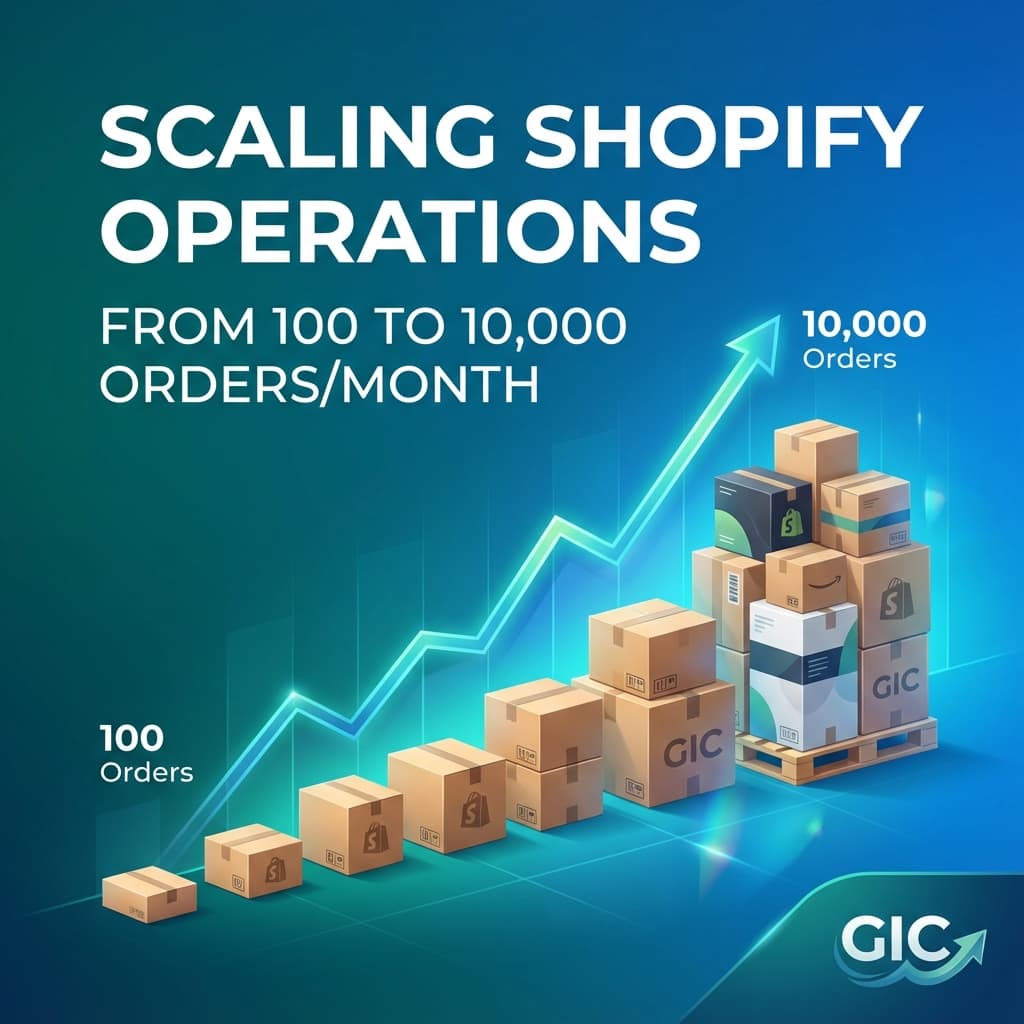
Scaling Shopify Operations: From 100 to 10,000 Orders Per Month
Scaling from 100 to 10,000 orders per month is exciting. It's also where most Shopify stores break.
What worked at 100 orders—manual processes, spreadsheets, one-person ops—falls apart at 1,000. And what works at 1,000 won't scale to 10,000.
In this guide, we'll show you exactly what to change at each stage of growth.
The 3 Stages of Scaling
Stage 1: 100-500 Orders/Month (Manual Mode)
Team: 1-2 people Tools: Shopify Admin, Google Sheets, email Bottleneck: Everything is manual
Stage 2: 500-2,000 Orders/Month (Automation Begins)
Team: 2-4 people Tools: Apps, Shopify Flow, basic integrations Bottleneck: Repetitive tasks eating time
Stage 3: 2,000-10,000 Orders/Month (Systems & Teams)
Team: 5-10 people (or remote ops team) Tools: ERP, WMS, custom apps, full automation Bottleneck: Coordination and quality control
Let's break down what to do at each stage.
Stage 1: 100-500 Orders/Month
At this stage, you can still do everything manually. But you should start building good habits.
What to Focus On
1. Document Your Processes Even if it's just you, write down how you do things. Future you (or your first hire) will thank you.
2. Use Shopify's Built-In Features
- Order tags for categorization
- Saved filters for quick views
- Bulk actions for common tasks
3. Set Up Basic Automation
- Automated order confirmation emails via Shopify
- Low stock alerts using Shopify Flow
- Abandoned cart recovery (Shopify Email is free)
For a complete guide, see our post on Shopify automation best practices.
4. Choose the Right Apps Don't install 20 apps. Start with essentials:
- Email marketing (Klaviyo or Shopify Email)
- Reviews (Judge.me or Yotpo)
- Customer support (Shopify Inbox)
Common Mistakes at This Stage
❌ Ignoring SOPs ("I'll remember how to do this") ❌ Over-complicating with too many apps ❌ Not tracking metrics (order volume, fulfillment time, error rate)
Stage 2: 500-2,000 Orders/Month
This is where manual processes start to break. You need automation and possibly your first hire.
What to Focus On
1. Automate Repetitive Tasks
- Order fulfillment status updates with Mark Delivered - learn about bulk delivery workflows
- Inventory sync across channels using multichannel apps
- Customer segmentation and tagging via Shopify Flow
- Review request emails
Understand the cost of manual tracking to justify these investments.
2. Hire for Operations Your first ops hire should handle:
- Order processing and fulfillment
- Customer support tier 1
- Returns and refunds
- Basic catalog management
3. Implement Quality Control
- Spot-check 10% of orders
- Track error rates
- Set up escalation rules
4. Upgrade Your Tools
- Add a proper help desk (Gorgias, Zendesk)
- Use Shopify Flow for advanced automation
- Consider a 3PL if you're still self-fulfilling
Common Mistakes at This Stage
❌ Hiring too late (you're drowning in tasks) ❌ Hiring too early (not enough work to justify it) ❌ No training or SOPs for new hires ❌ Ignoring customer support quality
Stage 3: 2,000-10,000 Orders/Month
At this scale, you need systems, not heroes. One person can't save the day anymore.
What to Focus On
1. Build a Team (or Outsource) You need specialized roles:
- Ops Lead: Manages the team and processes
- Fulfillment Specialists: Process orders
- Customer Support: Handle inquiries
- Catalog Manager: Product uploads and updates
Alternative: Use a remote ops team instead of hiring full-time - read more about building remote ops teams.
2. Implement an ERP or WMS Shopify alone won't cut it at this scale. You need:
- Real-time inventory across warehouses
- Advanced order routing
- Purchase order management
- Financial reporting integration via Shopify's Admin API
Popular Options: NetSuite, Brightpearl, Cin7, ShipHero
For deep integrations, consider custom Shopify apps tailored to your ERP.
3. Automate Everything Possible
- Order routing (by location, product type, priority) using Shopify Flow or custom apps
- Inventory replenishment with automated reordering
- Returns processing automation
- Fraud detection via Shopify's fraud analysis
- Customer segmentation with customer tags
4. Set Up Dashboards and Reporting Track these metrics daily:
- Orders processed
- Fulfillment time (order to ship)
- Error rate
- Customer support response time
- Inventory turnover
5. Implement Redundancy
- Cross-train team members
- Document all processes
- Have backup suppliers and 3PLs
- Use multiple payment processors
Common Mistakes at This Stage
❌ Relying on one person for critical tasks ❌ No backup plans (single 3PL, single supplier) ❌ Ignoring data and metrics ❌ Trying to DIY everything instead of using specialists
The Automation Roadmap
Here's what to automate at each stage:
100-500 Orders
- Abandoned cart emails
- Order confirmation emails
- Low stock alerts
500-2,000 Orders
- Review request emails
- Customer segmentation
- Fulfillment status updates
- Basic inventory sync
2,000-10,000 Orders
- Order routing
- Returns processing
- Fraud detection
- Inventory replenishment
- Customer support tier 1
When to Hire vs When to Outsource
Hire Full-Time When:
- The role is strategic (ops lead, growth manager)
- You need someone embedded in your culture
- The work is consistent and full-time
Outsource When:
- The work is repetitive and well-defined
- You need flexibility to scale up/down
- You don't want to manage HR and payroll
Hybrid Approach:
- Hire an ops lead
- Outsource execution (fulfillment, support, data entry)
The Bottom Line
Scaling operations isn't about working harder. It's about building systems that work without you.
Key Principles:
- Document everything (SOPs are your foundation)
- Automate repetitive tasks (free up humans for high-value work)
- Measure what matters (you can't improve what you don't track)
- Build redundancy (don't rely on one person or one system)
- Invest in tools (the right software pays for itself)
Start small, measure impact, and scale what works.
Need help scaling your Shopify operations? Check out our Ops Desk for remote operations support or talk to us about custom automation.
Related Articles
Building a Remote Ops Team for E-commerce: The Complete Guide
Learn how to build, train, and manage a remote operations team for your e-commerce business. Includes SOPs, tools, and best practices.
Shopify Automation Best Practices: 10 Workflows Every Store Should Automate
Discover the top 10 Shopify workflows you should automate to save time, reduce errors, and scale your operations efficiently.
Bulk Update Mixed Shipping Statuses in Shopify (Delivered + In Transit + Delayed)
Not all orders in a batch have the same status. Here is how to run bulk fulfillment updates with per-row status, date, and note control — and a QA checklist to run after.